
Getting Started with Figma: From Zero to First Design
Learn the essentials of Figma in this beginner-friendly guide. We’ll walk you through interface basics, creating your first components, and exporting designs for development.
Read GuideMaster the skills that shape digital experiences. Learn from industry practitioners in One-North’s vibrant tech district.
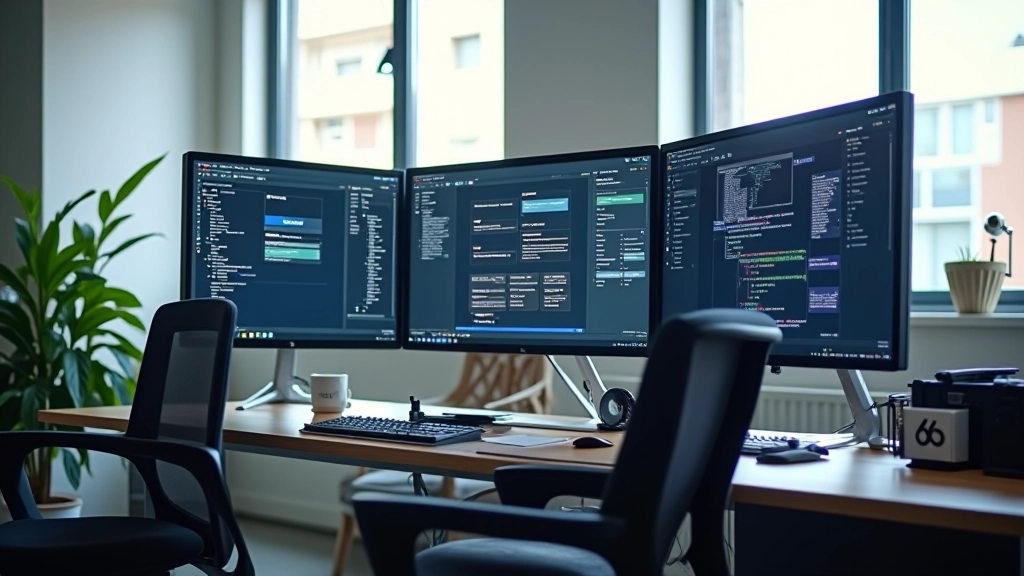

Learn to map user journeys and create effective wireframes before jumping into high-fidelity designs. We cover both paper sketches and digital methods.
Build cohesive design systems that teams can actually use. Color theory, typography, spacing, and component libraries — all grounded in real projects.
Create clickable prototypes that feel like real products. Master micro-interactions, animations, and user testing flows with modern tools.
Learn to communicate designs to developers effectively. We show you how specifications, annotations, and asset exports actually work in production.
We don’t teach design theory in isolation. Every course builds on actual projects — you’re working on real briefs from day one. Our instructors aren’t just teachers; they’re active practitioners who bring current industry workflows into the classroom.
Classes run Tuesday through Thursday evenings, plus Saturday workshops. That’s 12 weeks of hands-on learning with small groups — never more than 8 students per class. You’ll get feedback on your work, watch others’ processes, and build a portfolio piece you’re genuinely proud of.

We start with the basics because they matter. You’ll learn how to observe interfaces, understand user behavior, and sketch ideas quickly. By the end of week two, you’ll have completed your first full wireframe set for a real brief. Week three introduces Figma — we’ll set up your first file, create components, and understand how modern design tools actually work.
Now you’re creating visual designs with purpose. We cover color accessibility, type pairing, spacing logic, and building reusable component libraries. You’ll design complete flows for your project — mobile and desktop. Each week includes peer feedback sessions where you’ll present your work and get real critique. Doesn’t feel great at first, but it’s how you actually improve.
Your designs need to move and respond. We teach micro-interactions, transition timing, and how to prototype interactions that developers can actually build. You’ll create animated prototypes in Figma and learn when animation helps versus distracts. Real client projects show which animations people notice and which are just noise.
The final two weeks are about finishing strong. You’ll prepare your project for handoff, write design specifications, and present to the group. We’ll walk through how to explain your decisions to developers, what annotations matter, and how to handle feedback from stakeholders. Your final portfolio piece is ready to show potential employers or clients.
Small groups — max 8 students per class
Real briefs from working professionals
Portfolio piece you can actually show employers
Flexible scheduling — evenings & weekends
Direct feedback from industry practitioners
Based in One-North tech district

Here’s what students have built during recent cohorts. Each project started as a brief and evolved through feedback, iteration, and hands-on design work.
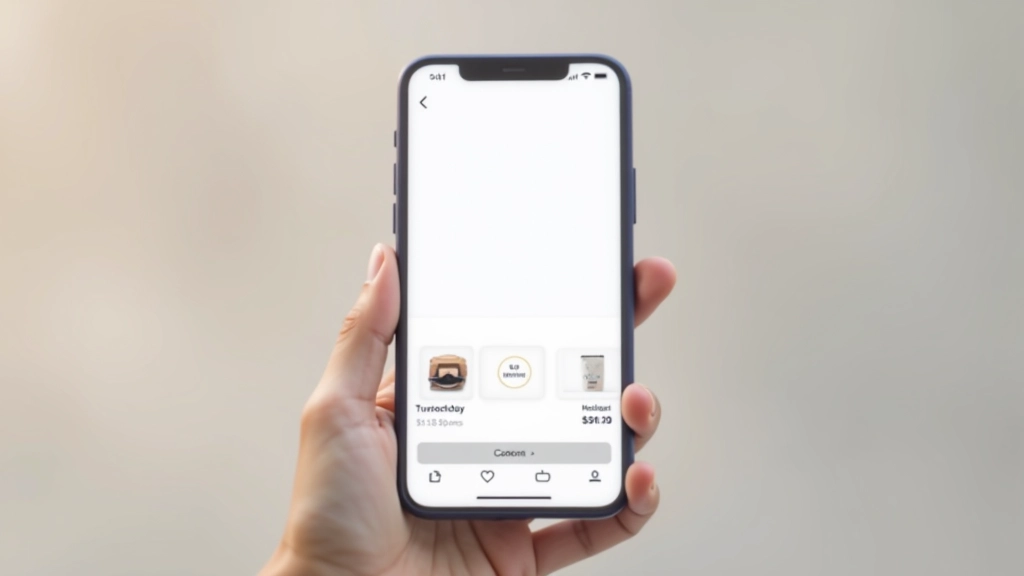

Explore our comprehensive guides covering everything from Figma fundamentals to advanced prototyping techniques.
Learn the essentials of Figma in this beginner-friendly guide. We’ll walk you through interface basics, creating your first components, and exporting designs for development.
Read Guide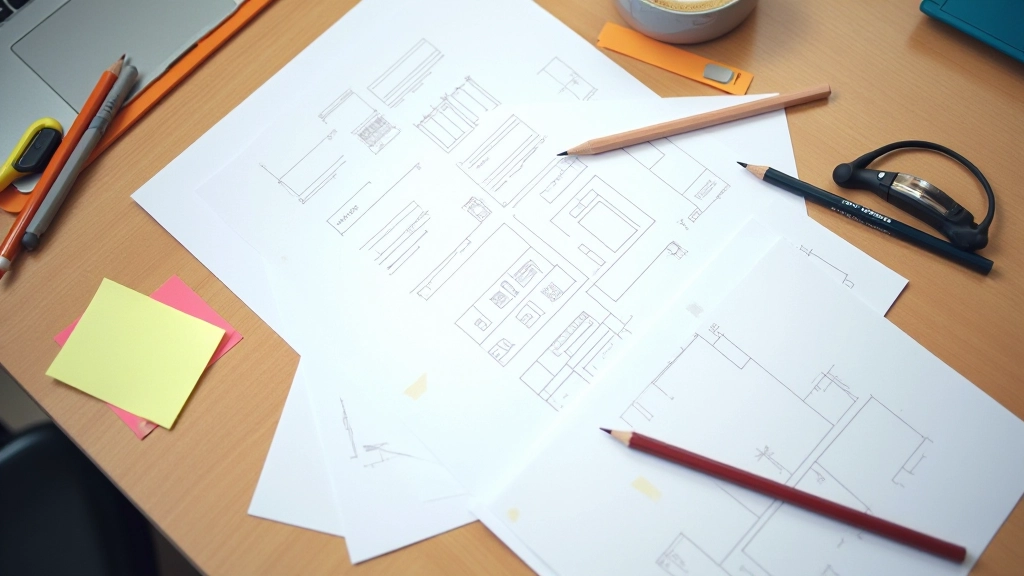
Discover practical wireframing methods used by top UX designers. We’ll cover low-fidelity sketches, digital wireframes, and how they connect to your final prototypes.
Read Guide
Master the art of prototyping with meaningful animations. This guide covers micro-interactions, transition timing, and how to communicate motion design to developers effectively.
Read GuideThe next cohort starts in three weeks. We’re limiting enrollment to keep classes small and feedback personal. Spots fill quickly — reach out if you want to join.
Contact Us Today